

Let's get you set up with BragiBuild so you can log in.
1. Get the App
Start by downloading BragiBuild from your store:
- iPhone users: Download it on the App Store.
- Android users: Get it on Google Play.
2. Open it up
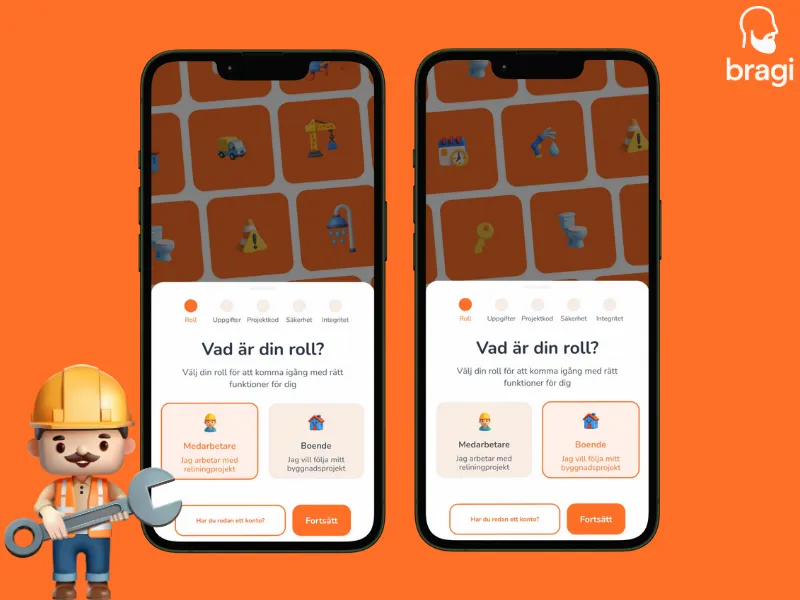
When you first open the app, tap Sign Up to create a new account. You will then be asked to choose your role:
- "I'm a resident" Use this if you live in a building being renovated.
- "I work with relining" Use this if you are part of the construction team.
3. Create your account
Follow the steps on the screen. You will need:
- For Residents: Your name, phone number, building Project Code, and your apartment number.
- For Workers: Your name and your company's Invitation Code.
- Everyone: Your email address and a strong password.
Once you fill that in, you are ready to go.